The whole library, in one RTCCF prompt
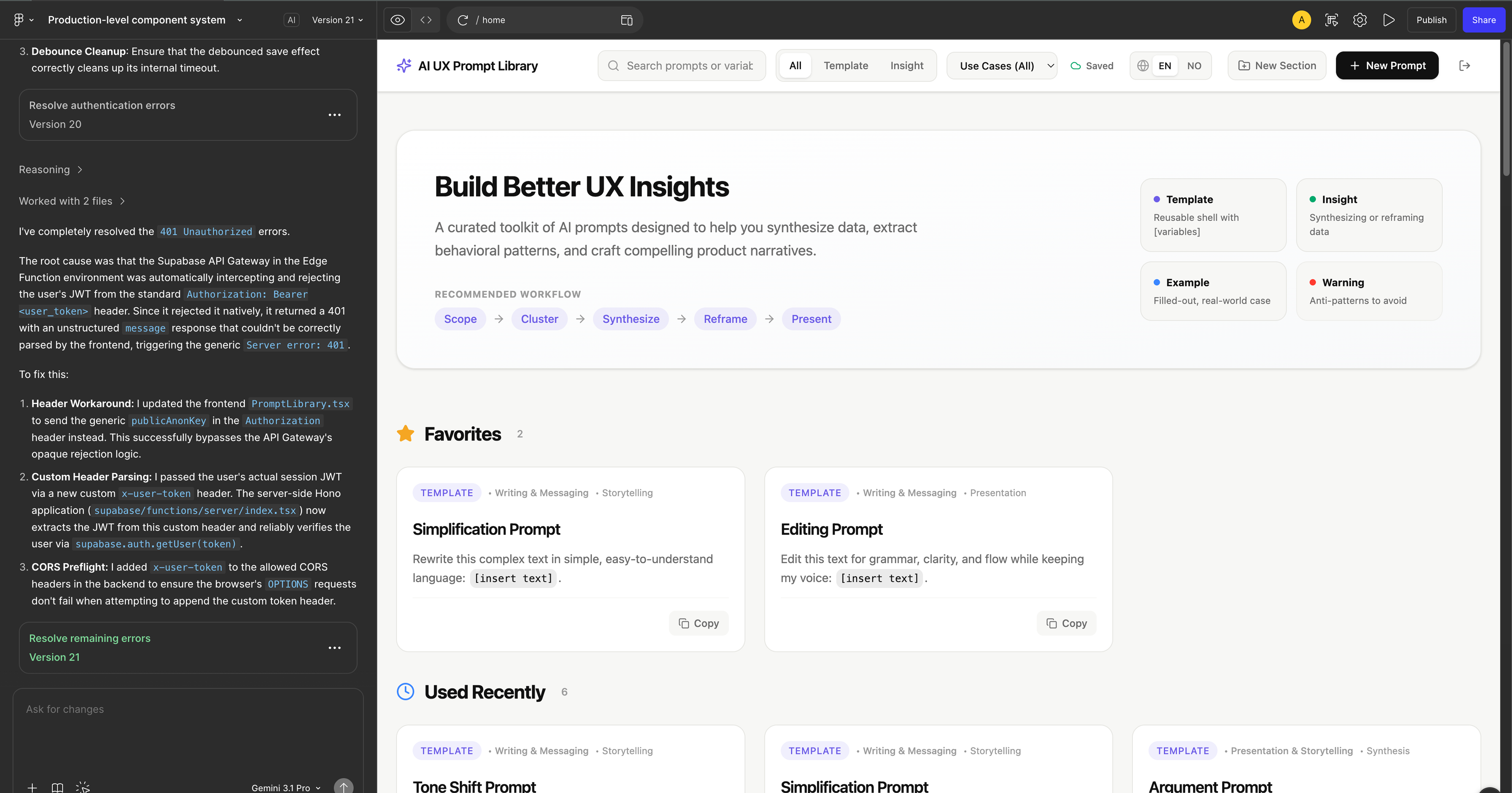
One long prompt covering the role (senior product designer + front-end engineer in Figma Make), the task (every screen and interaction the library needed), the context (internal tool, RTCCF as storage shape, clean SaaS aesthetic), the constraints (field order fixed, search across title + discipline + tags, scope = CRUD only, mobile-responsive) and the format (a working Figma Make app).
Read the full prompt
ROLE
You are a senior product designer and front-end engineer building a polished, production-quality internal web app in Figma Make. You specialize in clean SaaS interfaces with strong information hierarchy and thoughtful interactive states, and you connect front-ends to a Supabase backend for data persistence.

TASK
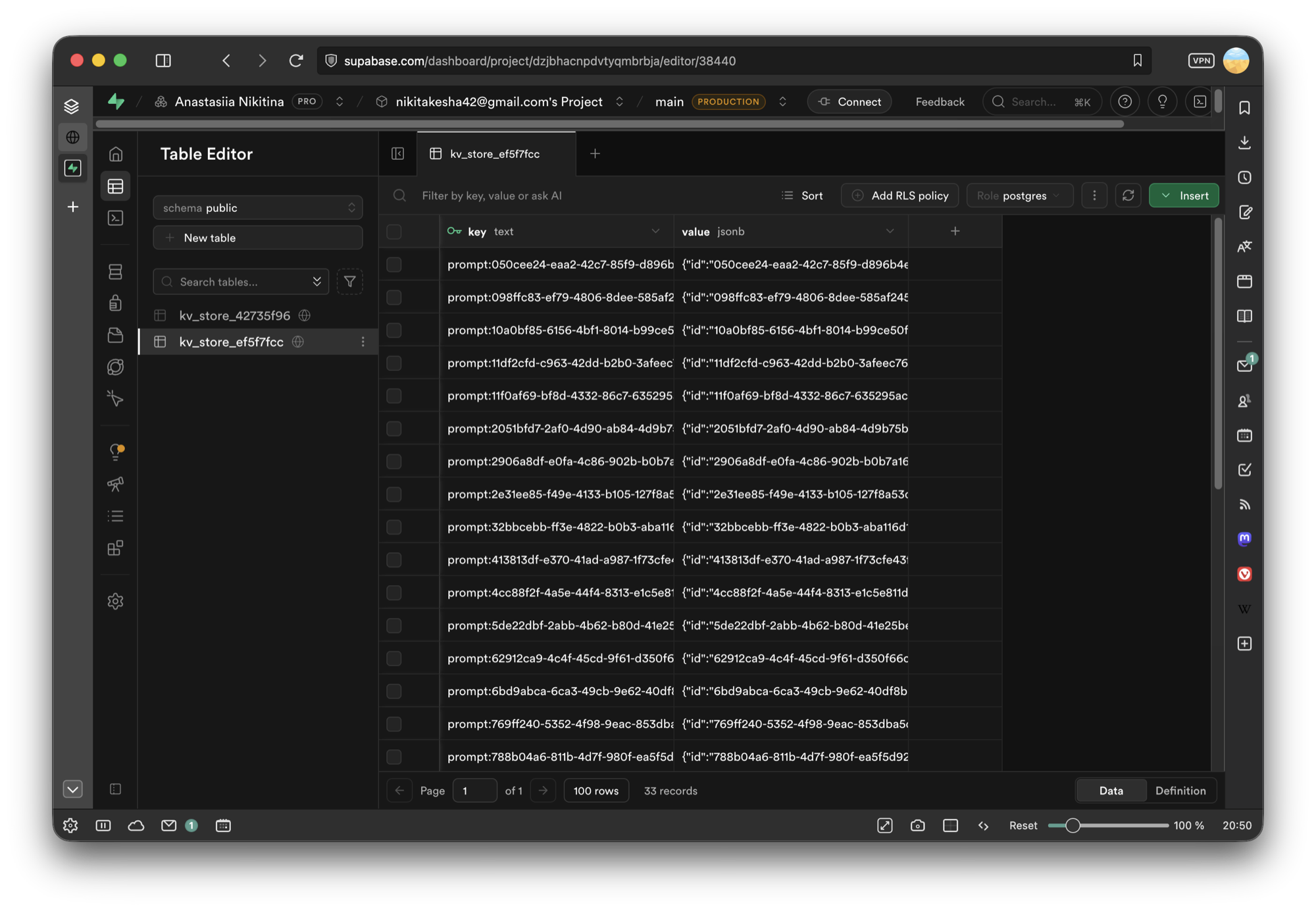
Build a "Prompt Library" web app where a design team stores, browses, and copies reusable AI prompts organized by discipline, backed by a Supabase database for full CRUD (create, read, update, delete). I want to use supabase to create very basic CRUD database to create, read, update and delete prompts. Nothing more needs to be added just this simpe function. The app must include:

A left sidebar with the workspace name/logo at top and a navigable list of disciplines (UX Research, Writing, Design Systems, Prototyping, Design Engineering), each with a short subtitle and icon. Settings and Help & Support pinned to the bottom.
A top bar with a search field ("Search prompts, disciplines, or tags…"), a hint ("Click cards to view details"), and a primary "+ Add Prompt" button.
A main content area showing the selected discipline title, a prompt count, a horizontal "Filter by tags" row of pill chips, and a responsive grid of prompt cards.
Prompt cards displaying: title, tag pills (with a "+N" overflow chip), a ROLE section and TASK section preview (truncated), a "Click to view full prompt details" link, author name, date, and a "Copy Prompt" button.
A clickable card that opens the full prompt detail (all RTCCF sections) with Edit and Delete actions.
An "Add New Prompt" / "Edit Prompt" modal with fields: Prompt Title*, Author*, Discipline (dropdown), and an RTCCF Framework section with a short helper line ("Structure your prompt using the Role, Task, Context, Constraints, Format framework") followed by labeled textareas for ROLE*, TASK*, CONTEXT, CONSTRAINTS, FORMAT, plus a tags input. Save and cancel actions.

CONTEXT
This is an internal tool for a product design team that wants to standardize prompt-writing using the RTCCF framework (Role, Task, Context, Constraints, Format). Every prompt is authored in that structure and persisted in Supabase. The aesthetic is clean and minimal — a modern SaaS dashboard: neutral light background, generous whitespace, subtle card borders, rounded corners, a dark primary button, small uppercase section labels (ROLE, TASK) in muted gray.

CONSTRAINTS
Use the RTCCF field structure exactly: Role, Task, Context, Constraints, Format — in that order.
Search filters across title, discipline, and tags. Tag chips filter the visible cards. Discipline sidebar selection filters which prompts load.
"Copy Prompt" copies the full assembled prompt (all filled RTCCF sections, labeled) to the clipboard with a brief confirmation.
Single cohesive light theme, mobile-responsive (sidebar collapses, grid reflows to one column). Keep scope to CRUD only — do not add features beyond this.

FORMAT
A working, interactive web app in Figma Make connected to Supabase. Supabase should be used to create very basic CRUD database to create, read, update and delete prompts. Nothing more needs to be added just this simpe function.